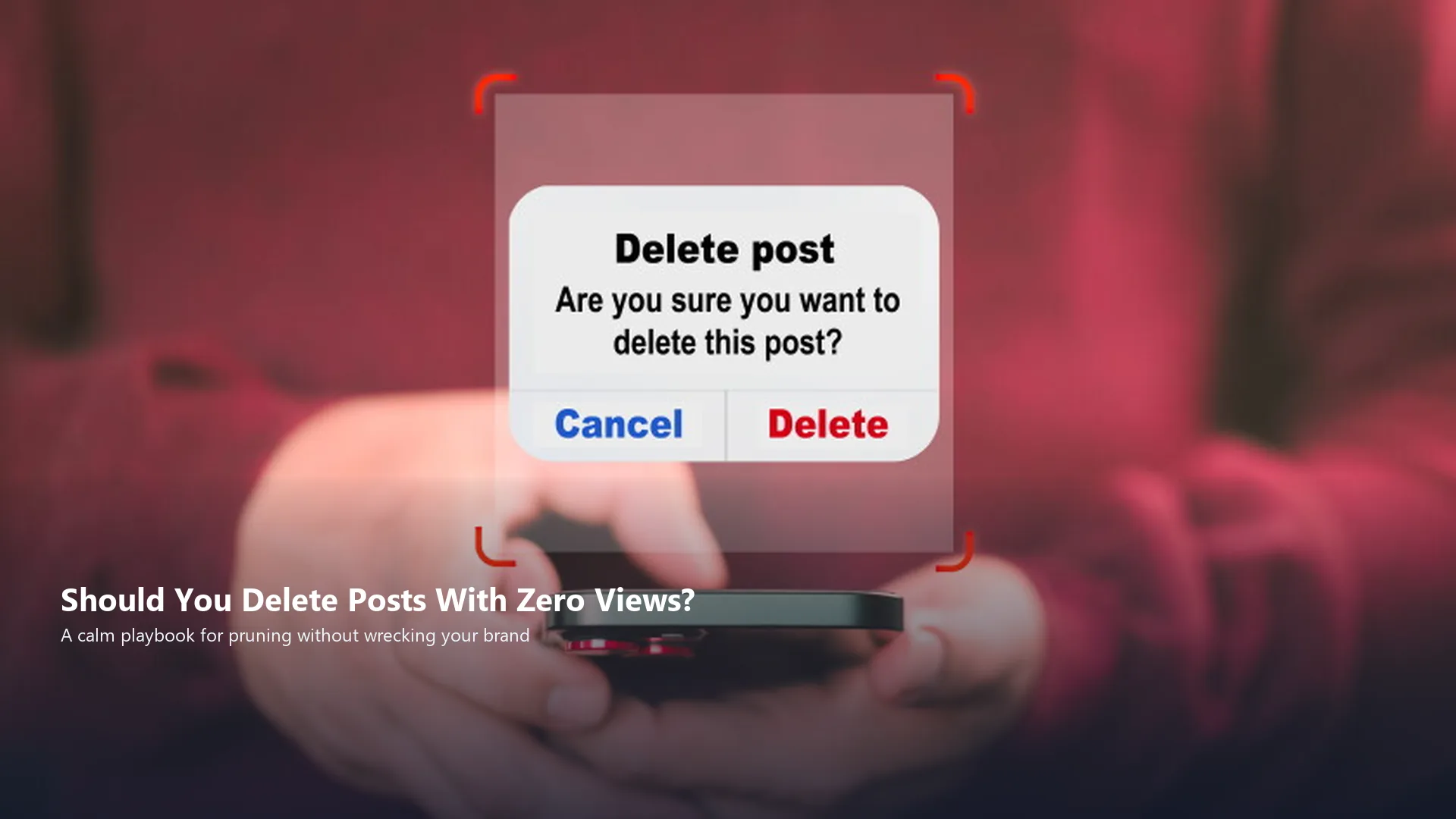
If you have asked should you delete posts with zero views after two quiet months, you are not alone. Feeds fill with posts that never moved. The temptation is to wipe them and start clean. The better question is branding and experience design: does that post help a stranger trust you, or does it make the brand look unfinished?
That exact worry shows up often in operator communities, including an r/socialmedia thread about deleting posts stuck at zero views for at least two months. Teams that treat the feed as a designed brand surface, spanning identity, templates, video, and website follow-through, usually make calmer decisions than teams that only chase reach. This playbook stays faithful to that community pain without inventing engagement stats or promising results.
Why Zero-View Posts Feel Urgent for Brand Teams
A grid full of silent posts feels like public proof of failure. Visitors who land from a Reel, ad, or Google search often scroll the profile before they click. Digital brand identity lives in that first five seconds. If the feed looks random, dated, or off-offer, trust drops even when one newer post performed well.
So the decision is larger than "should I delete posts that don't do well." It is whether your public archive still represents the business you want people to hire. Experience design applies here the same way it applies to a website: remove friction, keep hierarchy, and make the next step obvious.
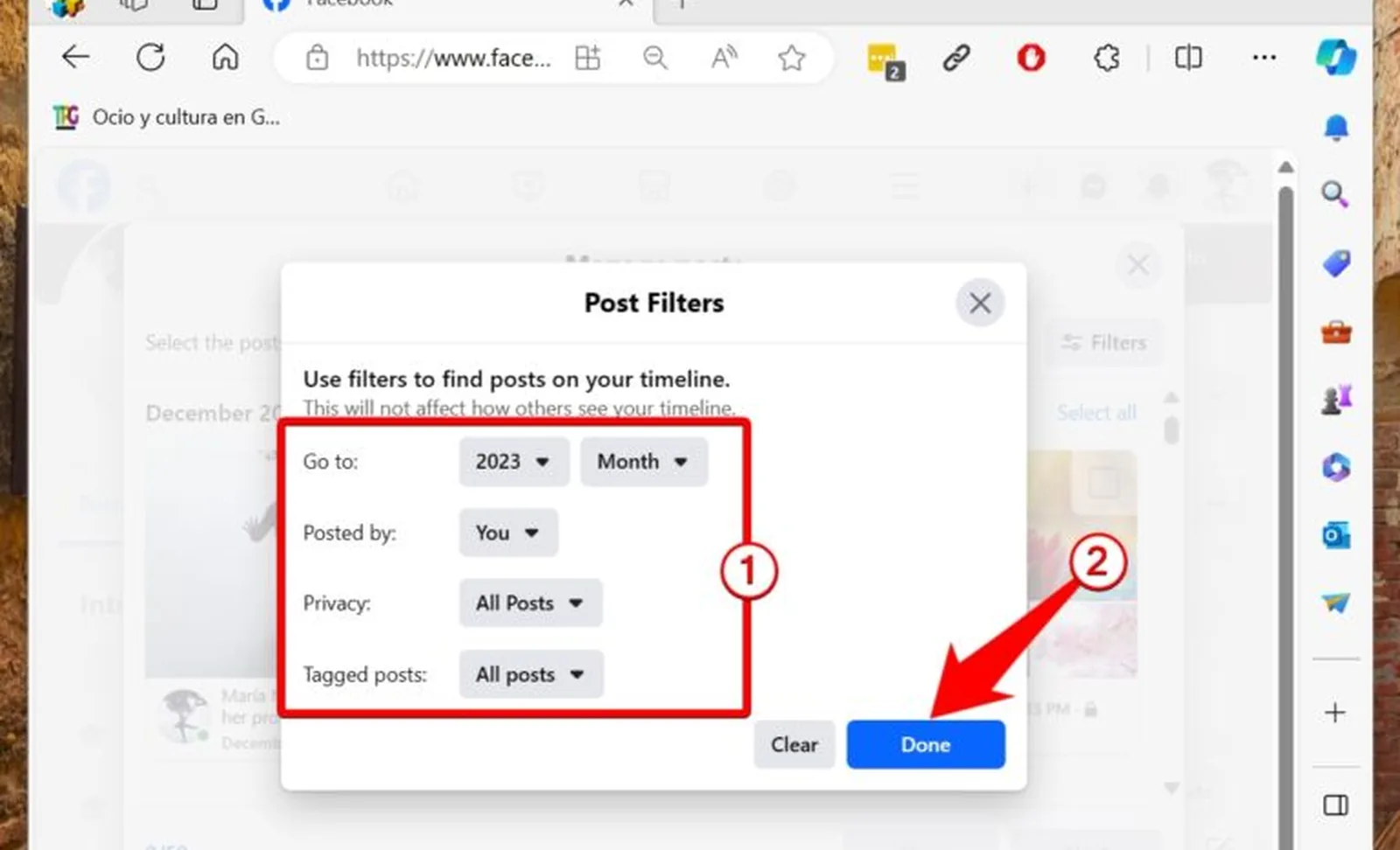
1. Separate Brand Clutter From Normal Cold Posts
Most accounts have quiet posts. Distribution is uneven. A cold post that still matches your offer, visuals, and voice is not automatically clutter. Brand clutter looks different: blurry screenshots, outdated pricing, mismatched fonts, abandoned campaign aesthetics, or posts that contradict what your website design now says.
Make two lists this week: keep-for-now and review-for-removal. Keep-for-now can stay even at zero views if the idea is still true. Review-for-removal is anything that confuses a first-time visitor about who you are.
Practical move
Open your profile on a phone as if you were a stranger. Screenshot the first nine tiles. If you cannot explain the brand promise from those nine alone, pruning is overdue.
2. Keep Posts That Still Match Your Offer and Visual System
Low views do not erase usefulness. A clear educational carousel can still convert a profile visitor months later. Evergreen proof, process shots, and FAQ explainers often work as storefront inventory even when the algorithm ignored them on publish day.
Protect posts that reinforce social media branding: consistent color, readable type, recognizable logo placement, and language that matches your current services. Deleting those assets because they underperformed once can erase useful brand memory.

3. Delete When the Post Harms Trust or Clarity
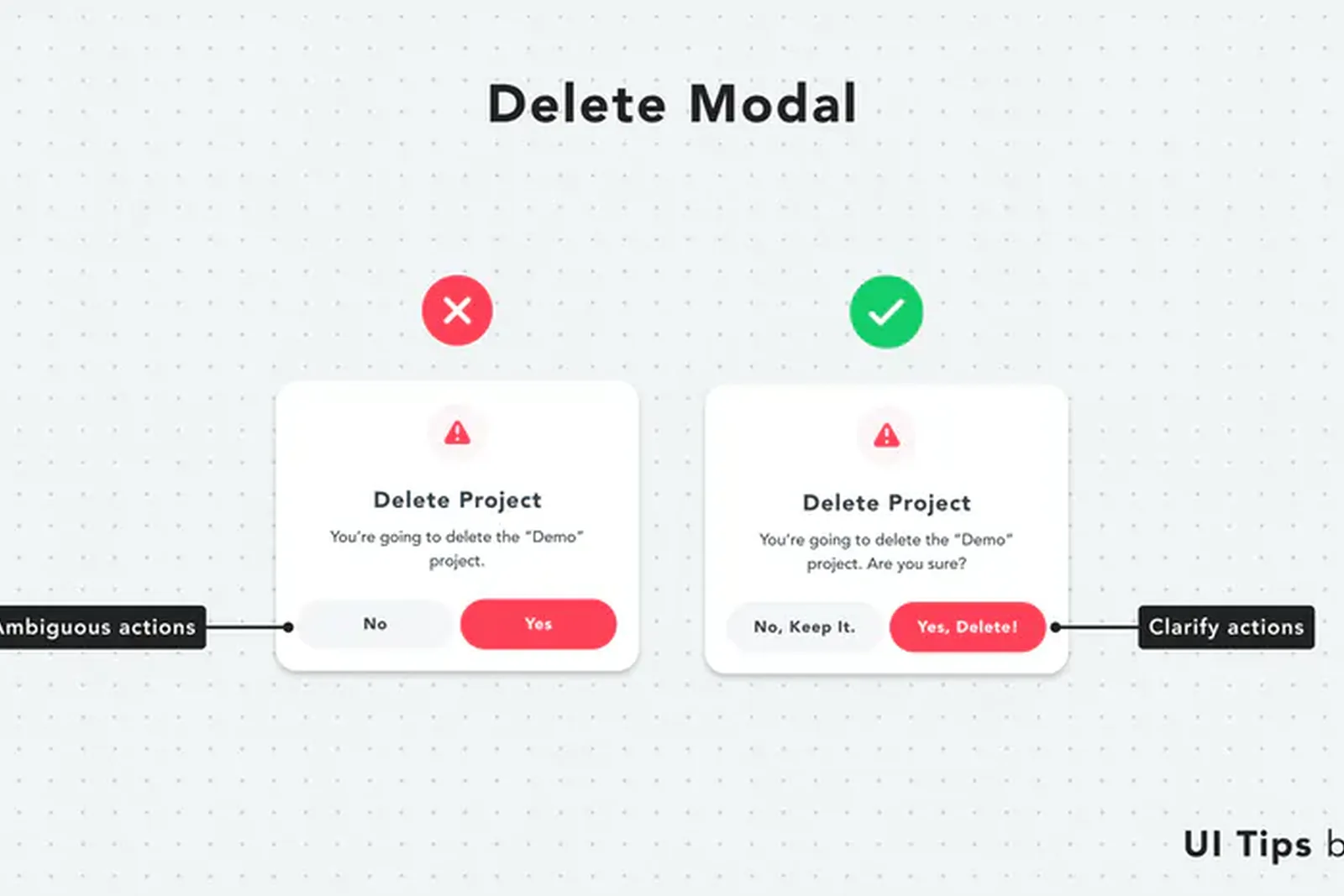
Delete when the post is wrong, misleading, visually broken, tied to a retired offer, or so off-brand that it weakens the rest of the grid. Also delete spammy experiments, duplicate near-identical posts, and anything you would not want a client to screenshot tomorrow.
Zero views for two months can be a useful review trigger. It is not, by itself, a deletion rule. Use it as a reminder to audit, then act with brand standards.
4. Prefer Archive or Remix When the Idea Still Has Value
Many platforms let you archive or hide instead of permanently deleting. Archive is useful when the concept is strong but the creative is weak. Remix the hook, crop, caption, and cover frame. Support drafting with AI content workflows, then edit for accuracy and brand voice.
Operators who rely on social media systems usually win here because redesign happens inside a template set, not as a one-off panic edit. The goal is a better asset, not an empty calendar slot.
Practical move
For each archived post, write one line: what failed, hook, visual, offer, or timing. That note becomes your next brief.
5. Do Not Treat Delete-and-Repost as a Growth Hack
People Also Ask interest in "should I delete my post and repost" is understandable. It rarely solves weak branding. If the original underperformed because the promise was vague or the design was unreadable, republishing the same file teaches the same lesson twice.
Rebuild first. Change the first frame, simplify the caption, align the offer with the website, and improve the end card. Then publish as a new piece of work. That is design discipline, not gaming the clock.
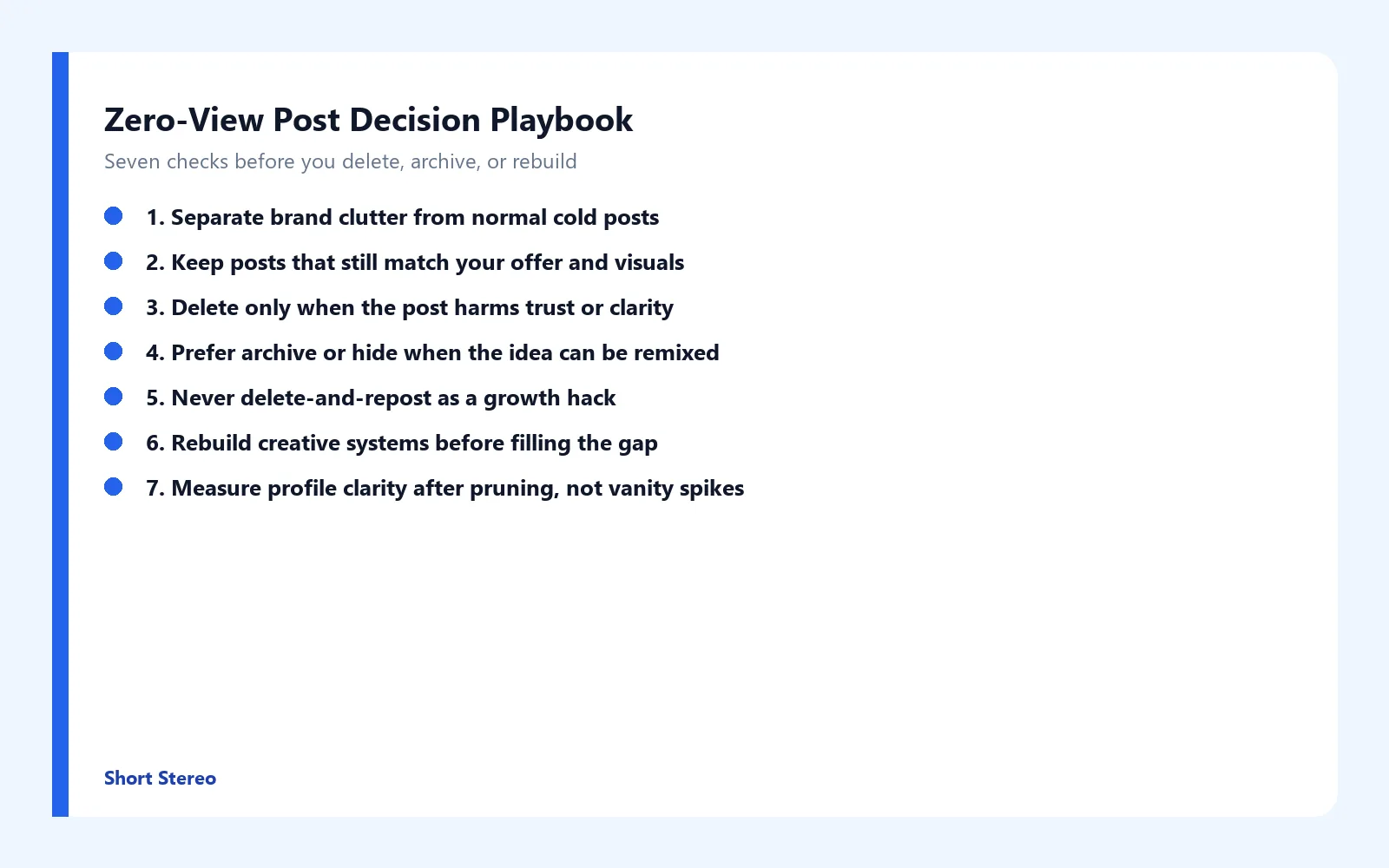
6. Rebuild Creative Systems Before You Fill the Gap
An empty-looking grid after a purge can feel cleaner and still convert poorly if you refill with random posts. Build four reusable frames: education, proof, process, and offer. Keep hierarchy readable on mobile. Brand accents in blue and clean whitespace help consistency without looking spammy.
Short video belongs in the rebuild. Open on the problem or result in the first second. Keep branding visible. End with a path to the site or a message start. Video amplifies a clear offer. Without a coherent destination, even strong clips leak attention.
7. Measure Profile Clarity After Pruning, Not Vanity Spikes
Track profile visits, link clicks, message starts, and whether inbound questions sound less confused. A cleaner grid should make the brand easier to understand. If reach rises while messages stay vague, tighten the offer language next. If messages rise while the site under-explains, fix website UX.
Never promise that deleting zero-view posts will raise views, sales, or rankings. Pruning improves conditions for trust. Creative quality, cadence, and clear offers still do the heavy work.
How Short Stereo Helps Brands Clean Up Social Presence
After founders ask whether they should delete posts with zero views, the teams that improve usually fix brand clarity, templates, and content systems together. Short Stereo helps connect those pieces so the feed becomes easier to trust and easier to act on.
Conclusion
Should you delete posts with zero views after months of silence? Sometimes yes, when they harm trust or clarity. Often no, when the idea still fits and only needs a better creative system. Archive or remix before you erase useful brand memory, skip delete-and-repost shortcuts, rebuild templates and short video, and measure understanding instead of vanity spikes. None of these moves guarantee views, sales, or conversions. They improve the conditions under which people can trust you. If you want help turning that playbook into design and content execution, visit shortstereo.com.
Frequently Asked Questions
Should I delete posts that don't do well?
Only when they hurt brand clarity, show outdated offers, use weak creative, or confuse visitors who browse your grid. Low reach alone is common and does not automatically mean the post should go. Audit message, visuals, and fit with your current offer first, then delete, archive, or remix with a clearer system.
Should I delete my post and repost?
Delete-and-repost rarely fixes the real problem. Algorithms and audiences respond to stronger hooks, clearer branding, and better timing more than to recycling the same weak asset. Improve the creative, caption, and destination, then publish a new version. Treat reposting as a redesign, not a reset button.
Can you delete a post on social media?
Yes. Most platforms let you delete or archive published posts from the post menu or content manager. Deletion removes it from your public feed. Archiving can keep the asset private for later remix. Choose based on whether the idea still fits your brand system.
How can a design agency help with low-view posts?
A design partner helps by clarifying the brand promise, cleaning inconsistent visuals, building reusable templates, and wiring website, social, and video into one system. That makes future posts easier to recognize and easier to distribute. Agencies do not guarantee views, sales, or rankings.
How to use social media and video content after pruning a feed?
After you remove brand clutter, refill with a small set of formats: educational carousels, short demo video, proof posts, and offer explainers. Keep type, color, and logo rules consistent. Lead video with the problem or result in the first second, then send people to a clear website next step.