A year ago, opening a blank Figma file was where every design project started. Today, teams are typing a prompt into ChatGPT or a generative design tool and getting a working interface draft in seconds. AI UI design isn't a future trend anymore, it's already reshaping how ideation, wireframing, and prototyping happen inside real product teams.
For founders and design leads, the question isn't whether to use it. It's how to use it without losing the thing that makes your brand recognizable, the spacing choices, motion language, and visual identity that turn a template into a product people remember.
Helping teams adopt AI-assisted workflows without losing brand consistency is core to how we approach design systems that scale at Short Stereo, across visual identity, web experience, and AI-driven brand content.
Why AI Design Tools Are Suddenly Everywhere
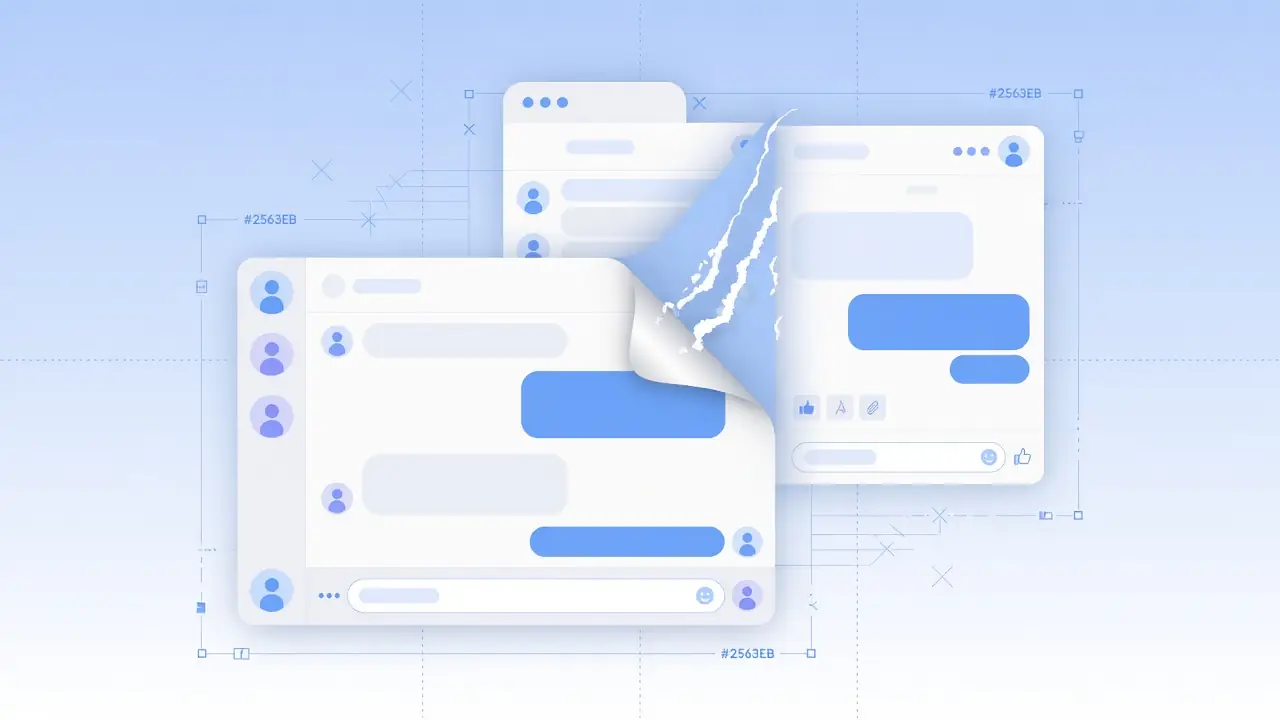
Generative AI has moved from writing copy to generating actual interface layouts, component variations, and even interactive prototypes. Tools built on models like ChatGPT can now interpret a rough product brief and output a working wireframe, complete with layout hierarchy and basic component logic.
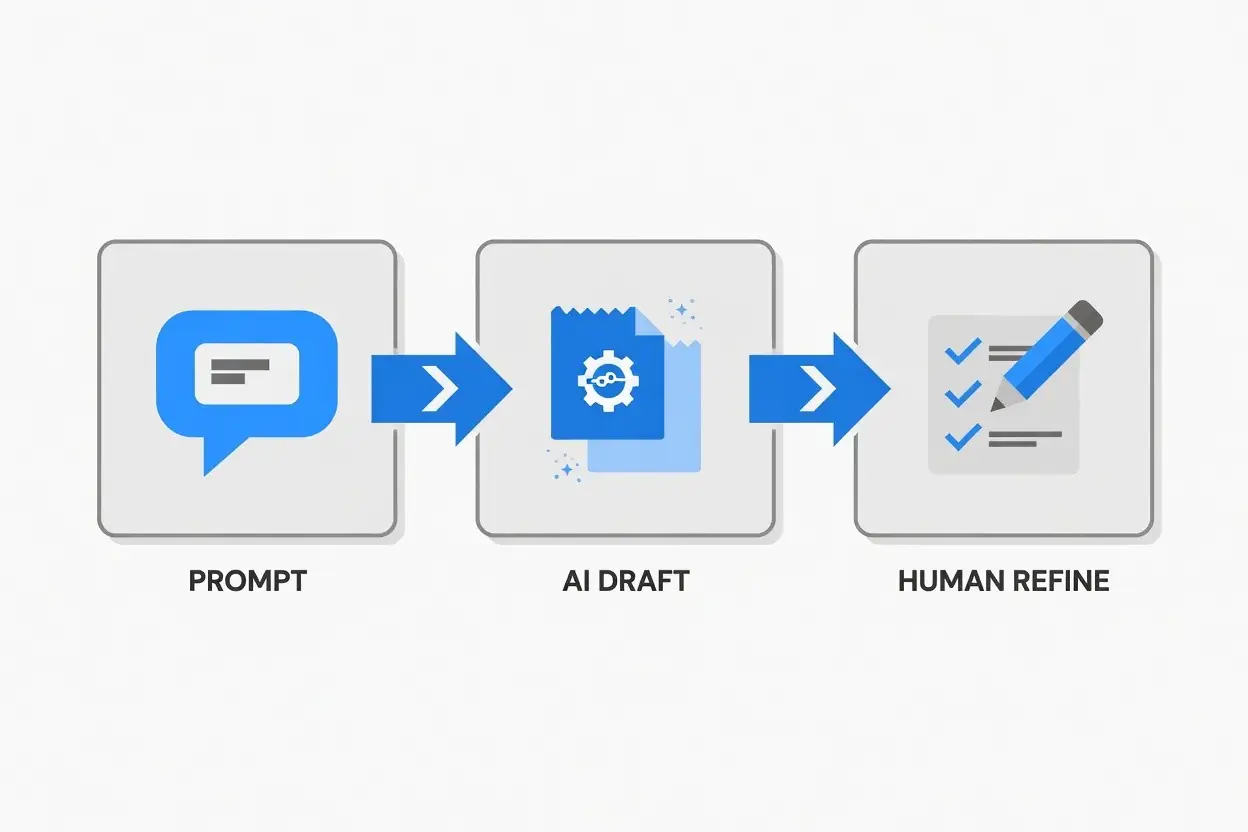
This shift matters because it compresses what used to take days of ideation into minutes, but it also means more products risk starting from the same generic starting point. That is the double edge of AI in design and UI design trends 2026: speed is free; distinctiveness is not.
7 Ways AI Is Changing UI Design Right Now
Here is how AI design tools and ChatGPT for design workflows are showing up in real teams, not as science fiction, but as daily practice.
From blank page to first draft in seconds
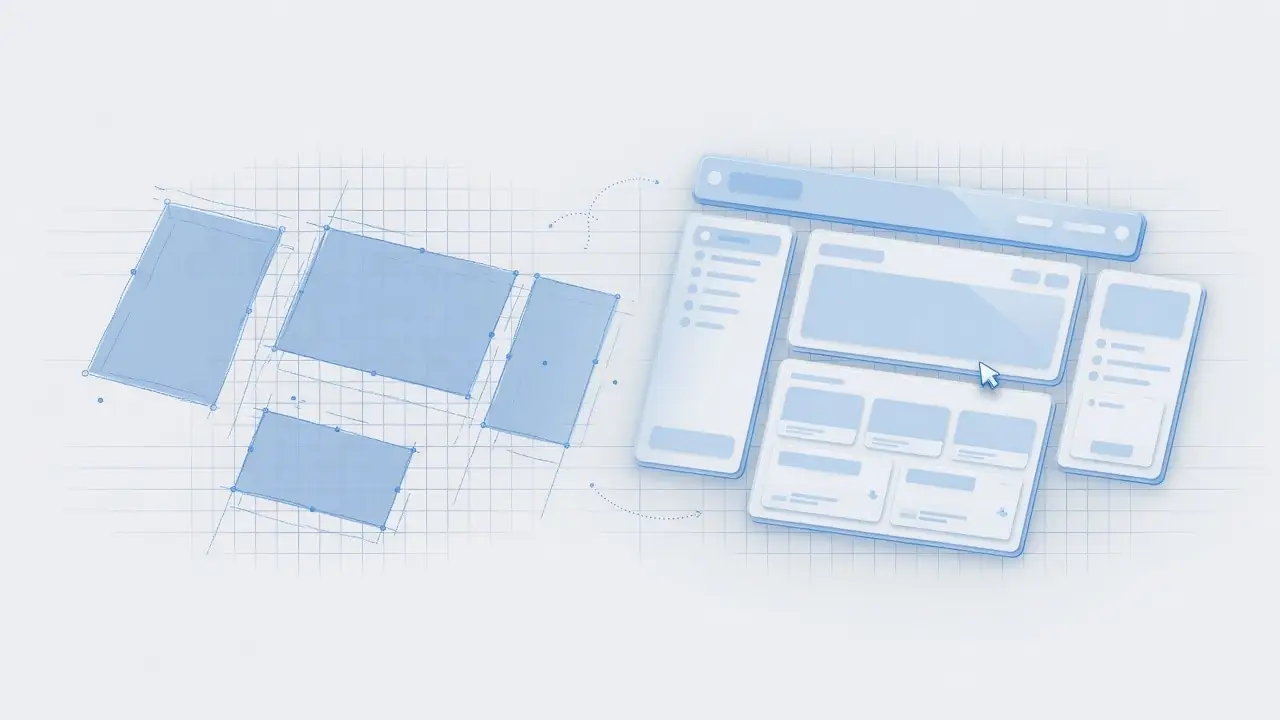
- Instant wireframes, describe a screen in plain language and get a structured layout back immediately.
- Rapid variation testing, generate five interface directions in the time it used to take to sketch one.
- Content-aware layouts, AI can now suggest layouts based on actual copy length and content type, not placeholder text.
AI as a design collaborator, not a replacement
- Faster prototyping, AI tools convert static mockups into clickable prototypes without manual coding.
- Automated design QA, AI flags inconsistent spacing, contrast issues, and accessibility gaps before handoff.
- Component generation, design systems can auto-populate new components based on existing brand rules.
- Conversational design iteration, teams refine designs by chatting with the tool (“make this feel more premium”) instead of manually adjusting every element.
Taken together, this is generative UI and AI-assisted prototyping as a workflow, not a one-off demo. The best teams treat AI product design as a collaborator that multiplies volume, while humans still own judgment, research synthesis, and brand direction.
What This Means for Consumer Experience
Faster design cycles mean products can iterate on user experience more frequently, testing more layouts, messaging, and flows before something ships. For consumers, this can mean smoother, more tested interfaces.
But it also raises a real risk: when many companies use the same AI tools, interfaces can start to look interchangeable. Experience design loses its edge when every onboarding screen, pricing table, and settings panel converges on the same statistical average of “good UI.”
Human-centered design still wins when research and brand context guide the AI brief. Without that, no-code design speed only ships more of the same.
The Branding & Design System Risks Nobody Talks About
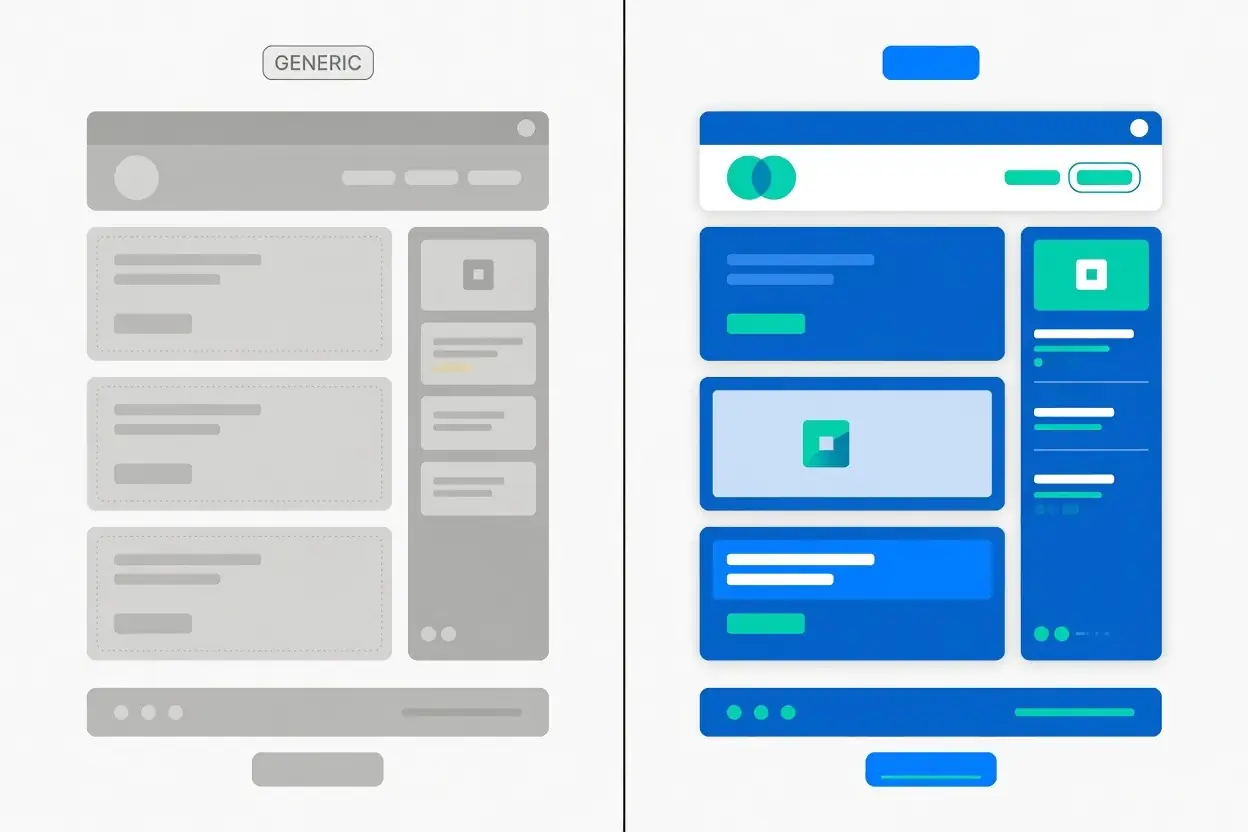
Generic-looking interfaces
AI tools are trained on common patterns. Left unchecked, they default to the most statistically “safe” layout, which often means bland, template-like design that doesn't differentiate a brand. That is the dark side of AI interface design at scale: efficient mediocrity.
Losing brand distinctiveness
A distinctive brand isn't just a logo, it's spacing choices, motion timing, color relationships, and tone. AI can execute these once they're defined, but it can't invent a distinctive identity from a generic prompt. Without a strong design system feeding it, AI output tends toward the average, not the exceptional.
This is exactly where a documented brand identity system becomes essential, it gives AI tools clear rules to follow instead of defaulting to generic patterns. Pair that system with solid website design services so the live product still feels intentional after the first AI draft.
A Playbook: Using AI Without Losing Your Brand's Identity
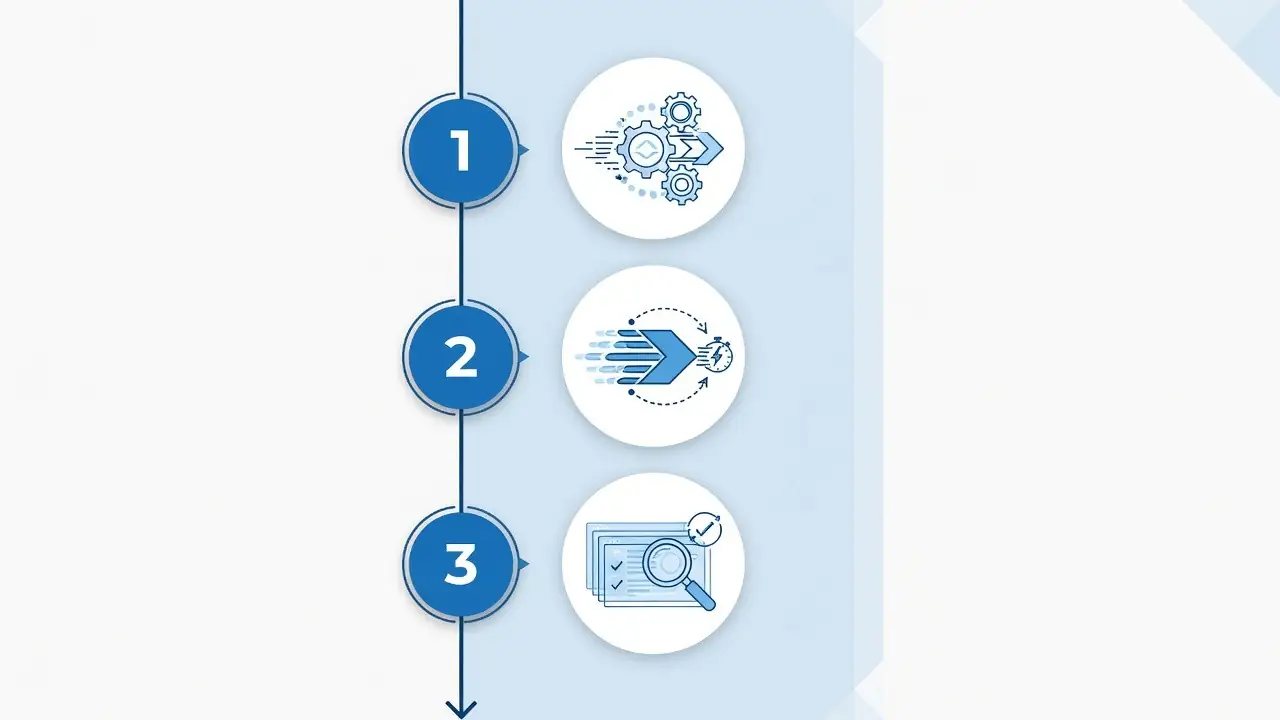
Step 1, Set your design system first
Before prompting any AI tool, document your typography scale, color rules, spacing grid, and component library. This becomes the “brand brief” that keeps AI output on-brand. An AI design workflow without rules is just a faster path to sameness.
Step 2, Use AI for speed, not final decisions
Let AI handle the first-draft heavy lifting, layout structure, variation testing, basic prototyping. Reserve final visual and UX decisions for your design team, who understand context AI doesn't have: business goals, edge cases, and emotional tone.
Step 3, Keep a human review layer
Every AI-generated screen should pass through a human review checklist: does this feel like our brand? Does it solve the actual user problem, or just look plausible? That review layer is what separates AI-assisted design from auto-pilot design.
AI can compress your design timeline dramatically, but only a strong brand system keeps that speed from producing something forgettable. That's the balance we help teams strike at Short Stereo: design, motion, and automation built so AI accelerates your brand instead of diluting it. Explore our website design services or see how we approach AI-driven content workflows.
Conclusion
AI tools like ChatGPT haven't replaced designers, they've changed where the work happens. Ideation and first drafts move faster than ever, but the decisions that make an interface feel like your brand still require human judgment and a documented design system.
Teams that define their identity clearly before adopting AI will move fast without becoming interchangeable. Teams that skip that step risk shipping interfaces that look like everyone else's. That is the real story of AI UI design today: the tool is free to try; the brand system is what makes it worth using.
How Short Stereo Helps Brands Apply This
At Short Stereo, we turn insights like these into design systems, digital experiences, and content workflows that stay on-brand, so strategy does not stop at the article.
Frequently Asked Questions
Will AI replace UI/UX designers?
Unlikely in the near term. AI accelerates repetitive parts of the process, wireframing, variation testing, but brand judgment, user research interpretation, and creative direction still require human designers.
Can ChatGPT actually design interfaces?
Yes, especially when paired with design-specific plugins or tools built on top of it. It can generate layout structures and component suggestions from plain-language prompts, though output quality depends heavily on how clear the brief is.
What's the biggest risk of AI-generated design?
Genericness. Without a strong design system guiding it, AI tends to default to the most common, safest-looking patterns, which can make a brand's interface indistinguishable from competitors.
Do I need a design system before using AI design tools?
It's strongly recommended. A documented system (colors, type, spacing, components) gives AI tools clear rules to follow, keeping output on-brand instead of generic.
How is AI changing prototyping specifically?
AI can now convert static mockups into clickable prototypes automatically, and flag spacing, contrast, or accessibility issues before a design ever reaches a developer.