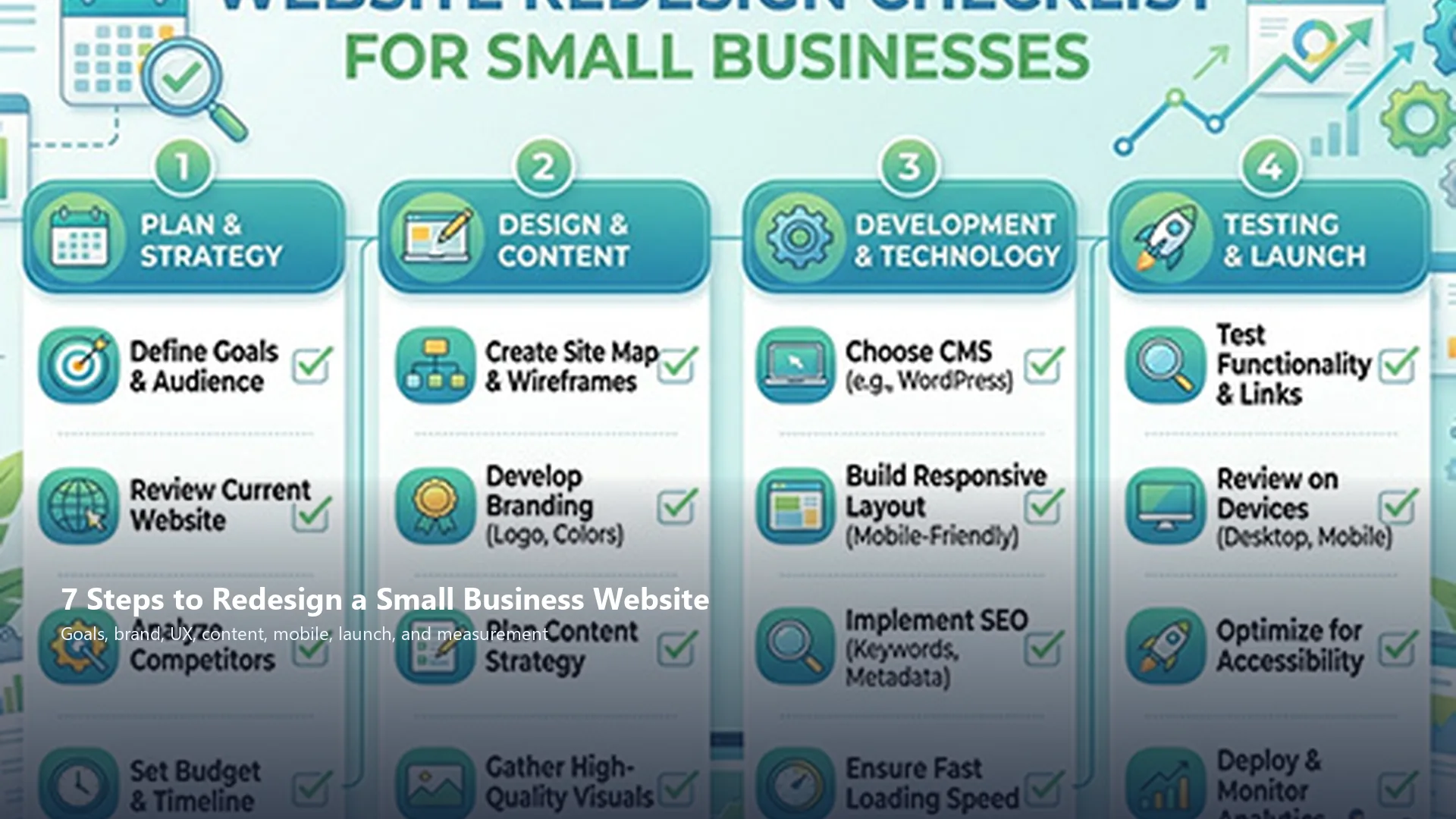
A small business website redesign checklist exists because most redesigns fail the same way: teams jump into fonts and hero images before they agree on goals, brand identity, and what visitors should do next. Experience design turns that guesswork into a sequence you can finish.

Guidance in that spirit shows up often in small-business resources, including a US Chamber framing around a small business website redesign checklist. This article reframes that checklist for brand leaders and operators who need a practical path across branding, UX, content, and launch, without inventing cost figures or promising outcomes.
Why Small Business Website Redesigns Stall
Owners feel the site looks dated, but the deeper problems are usually unclear offers, weak proof, slow mobile paths, and pages that do not match how customers buy. A visual refresh alone leaves those issues intact. Digital brand identity and experience design are the missing layers.
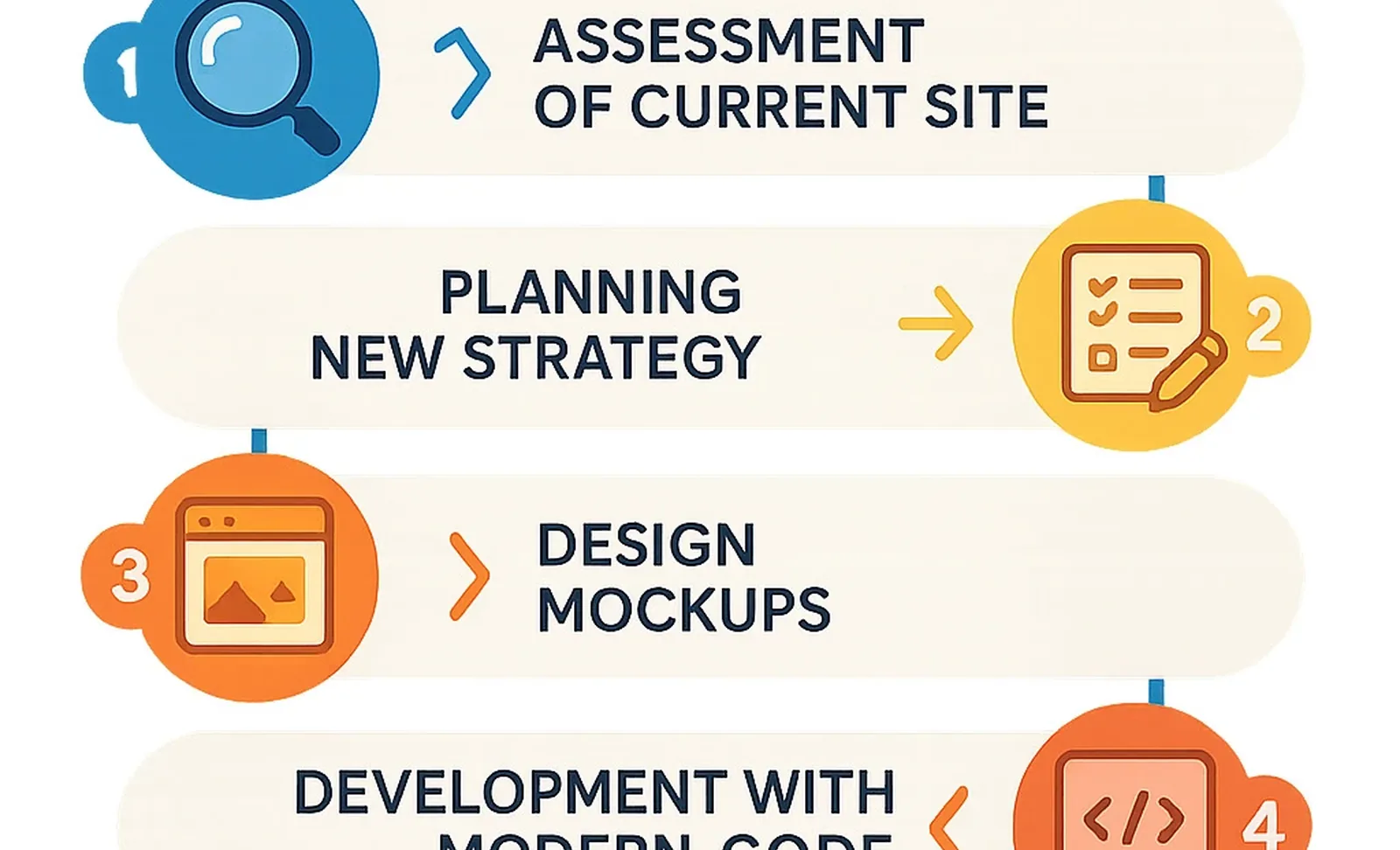
Use the checklist below as a decision order. Finish each step before you polish the next one.
1. Define Business Goals Before Touching the Design
Write the outcomes the site must support: inquiries, bookings, product education, hiring, or local trust. Rank them. If everything is priority one, the redesign will feel scattered.
Translate goals into page jobs. The homepage introduces the promise. Service pages explain the offer. Proof pages reduce risk. Contact paths make the next step obvious.
Practical move
Finish this line: "In 90 days, the redesigned site should help more of the right visitors [specific action]."
2. Audit Brand Identity and Visual Consistency
Check logo clarity, color contrast, type hierarchy, photography style, and tone of voice. Inconsistency makes even new layouts feel accidental. Branding strategy here is simple: one promise, one visual language, one personality.
If social posts, proposals, and the website disagree, fix the system before you paint new screens. A coherent identity is cheaper than redesigning twice.
3. Map the Customer Journey and Key Pages
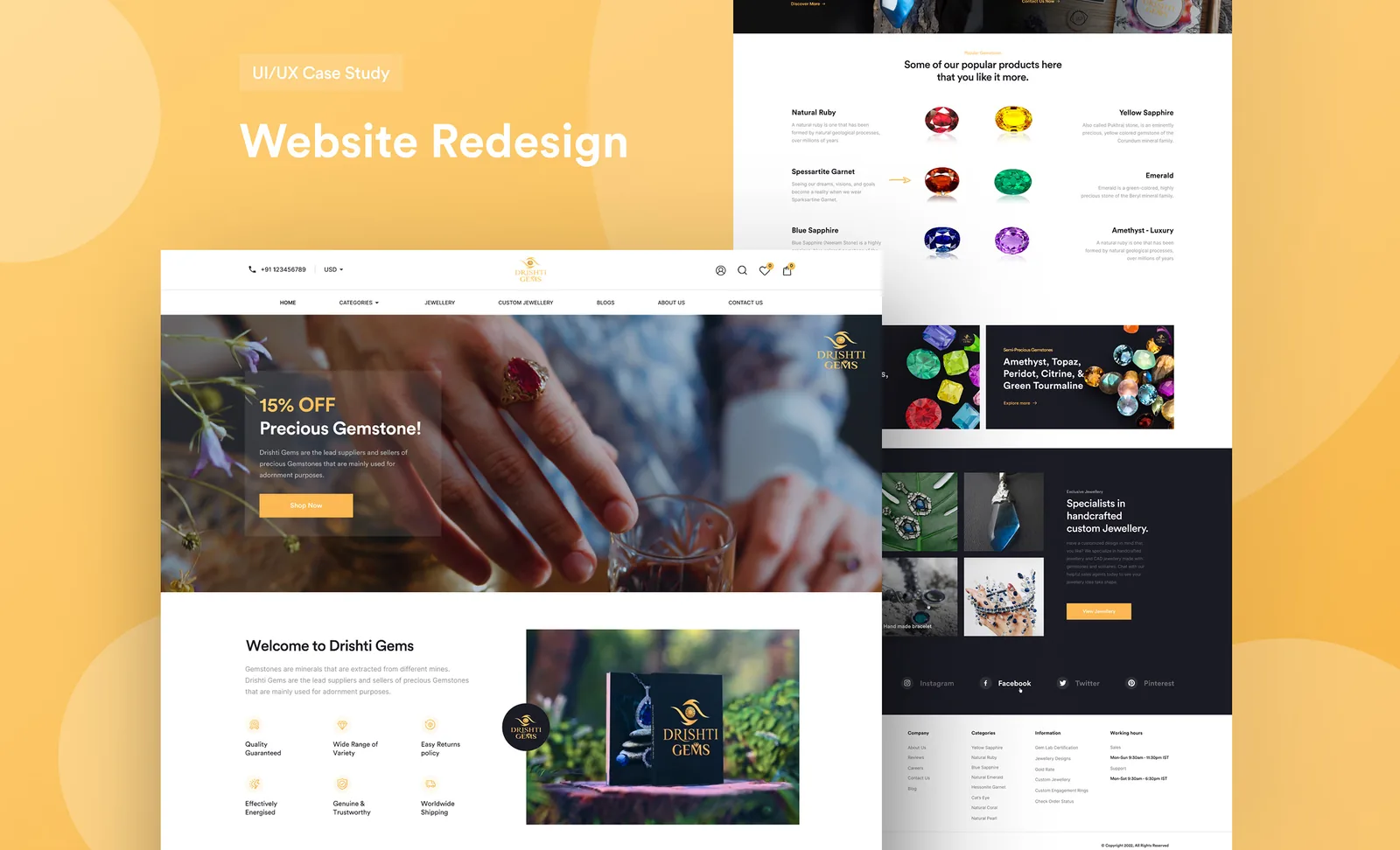
List the top entry points: search, social, referrals, ads, Google Business Profile. For each, define the first question a visitor asks and the page that should answer it. Cut orphan pages that dilute attention.
Information architecture is experience design. A tidy sitemap beats a flashy homepage that hides services three clicks deep.
Practical move
Sketch a one-page map: Home, Services, Proof, About, Contact, plus any product or booking paths you truly need.
4. Rebuild UX for Clarity, Speed, and Mobile
Prioritize readable hierarchy, obvious navigation, fast load, and thumb-friendly forms. Mobile is where many small business customers decide. If critical actions fail on a phone, the redesign is incomplete.
Use website design patterns that reduce friction: clear CTAs, scannable sections, accessible contrast, and forms that ask only for what you will use. Never claim Core Web Vitals scores you have not measured.

5. Refresh Content So Offers and Proof Are Obvious
Rewrite headlines to state who you help and what outcome you create. Replace vague claims with specific services, process steps, and proof you can defend. FAQs should answer the questions sales already fields on calls.
Support drafting with AI content workflows, then edit for accuracy and your real voice. Tools speed production. Brand judgment still owns the message. Pair the site narrative with social media systems so campaigns do not contradict the new pages.
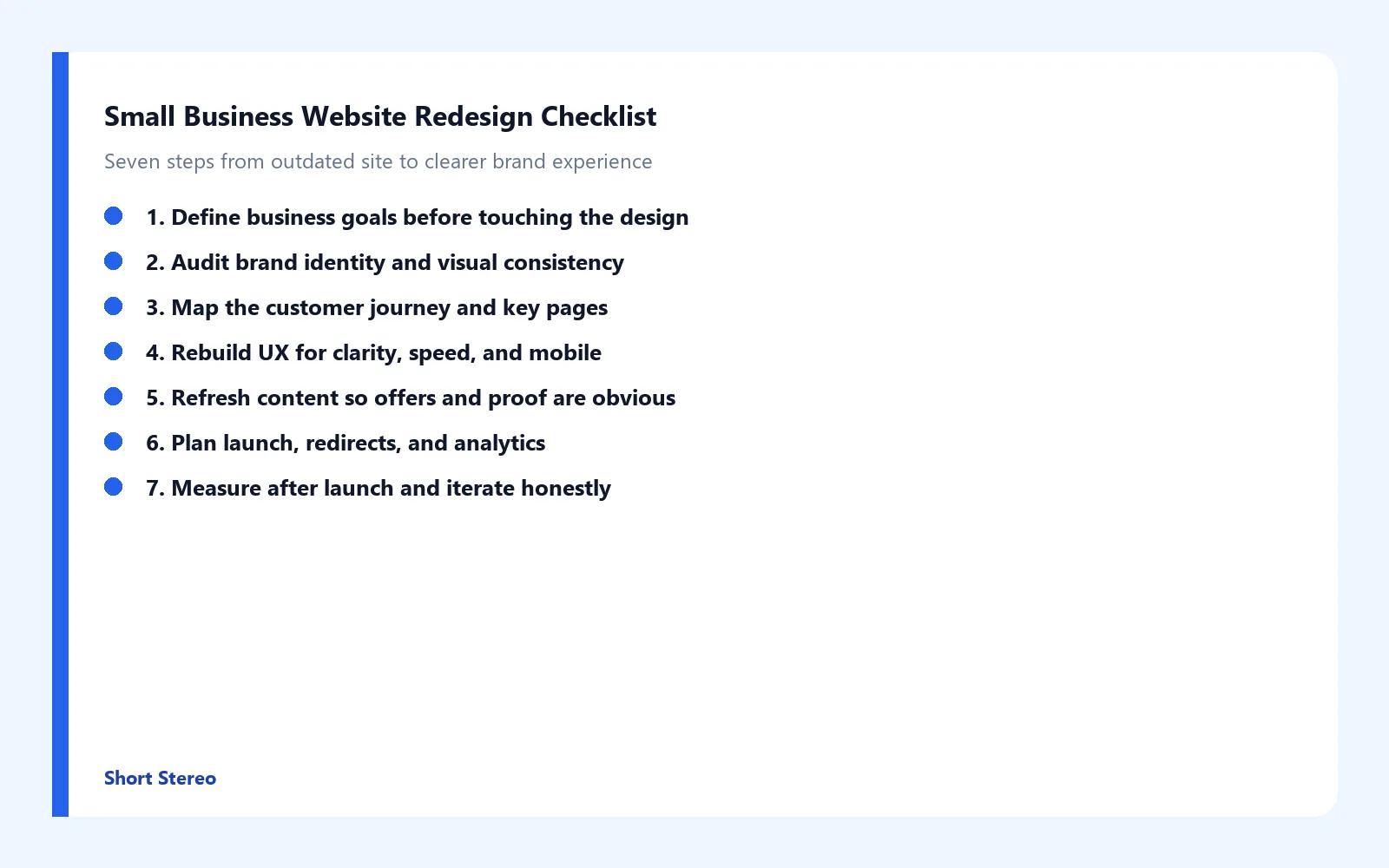
6. Plan Launch, Redirects, and Analytics
Before go-live, map old URLs to new ones, verify forms and booking flows, and confirm analytics events fire. Broken redirects and silent forms erase the value of beautiful design. Website redesign examples that impress peers still fail customers when the launch checklist is skipped.
Coordinate announcement creative so social and email point to the right destinations on day one.
7. Measure After Launch and Iterate Honestly
Track task completion, form starts, qualified inquiries, and which pages confuse people. A quieter week with clearer conversations can beat a spike of confused traffic. Iterate on copy, proof, and UX before adding more pages.
Never promise that these steps will create sales, rankings, or conversions. They improve the conditions under which the right visitors can trust you and take the next step.

How Short Stereo Helps With Website Redesign Checklists
After a team decides to redesign, the ones who improve usually fix goals, identity, UX, and content together. Short Stereo helps connect those pieces so the site becomes easier to understand and easier to act on.
Conclusion
A small business website redesign checklist is a decision order: goals, brand identity, journey map, UX and mobile clarity, content and proof, launch hygiene, then honest measurement. None of these moves guarantee sales, rankings, or conversions. They improve the conditions under which customers can trust you. If you want help turning that checklist into design and content execution, visit shortstereo.com.
Frequently Asked Questions
How do you redesign a website for a small business?
Start with business goals, then audit brand identity, map key journeys, rebuild UX for clarity and mobile, refresh content and proof, plan redirects and analytics, and measure after launch. A checklist keeps teams from jumping straight into new colors without fixing the offer.
What should brands know about small business website redesign?
A redesign is a brand and experience project, not only a visual refresh. Clarify who you help, what happens after the click, and how pages support trust. Skipping positioning often creates a prettier site that still confuses visitors.
What should brands know about website redesign cost?
Cost depends on scope: brand updates, page count, custom UX, content rewrites, integrations, and launch support. Treat cost as investment in clarity and maintenance, not a single price for every business. Avoid promises that a redesign will create sales or rankings.
How can a design agency help with a small business website redesign?
An agency can align brand identity, information architecture, UX, content hierarchy, and launch hygiene so the site feels intentional. Partners also connect the site to social and video systems when needed. Agencies do not guarantee conversions, rankings, or revenue.
What branding changes should businesses make after a website redesign?
Update social profiles, templates, proposals, and sales decks to match the new visual system and messaging. Keep one promise across channels so the redesigned site does not feel disconnected from everyday marketing.